
Zero touch
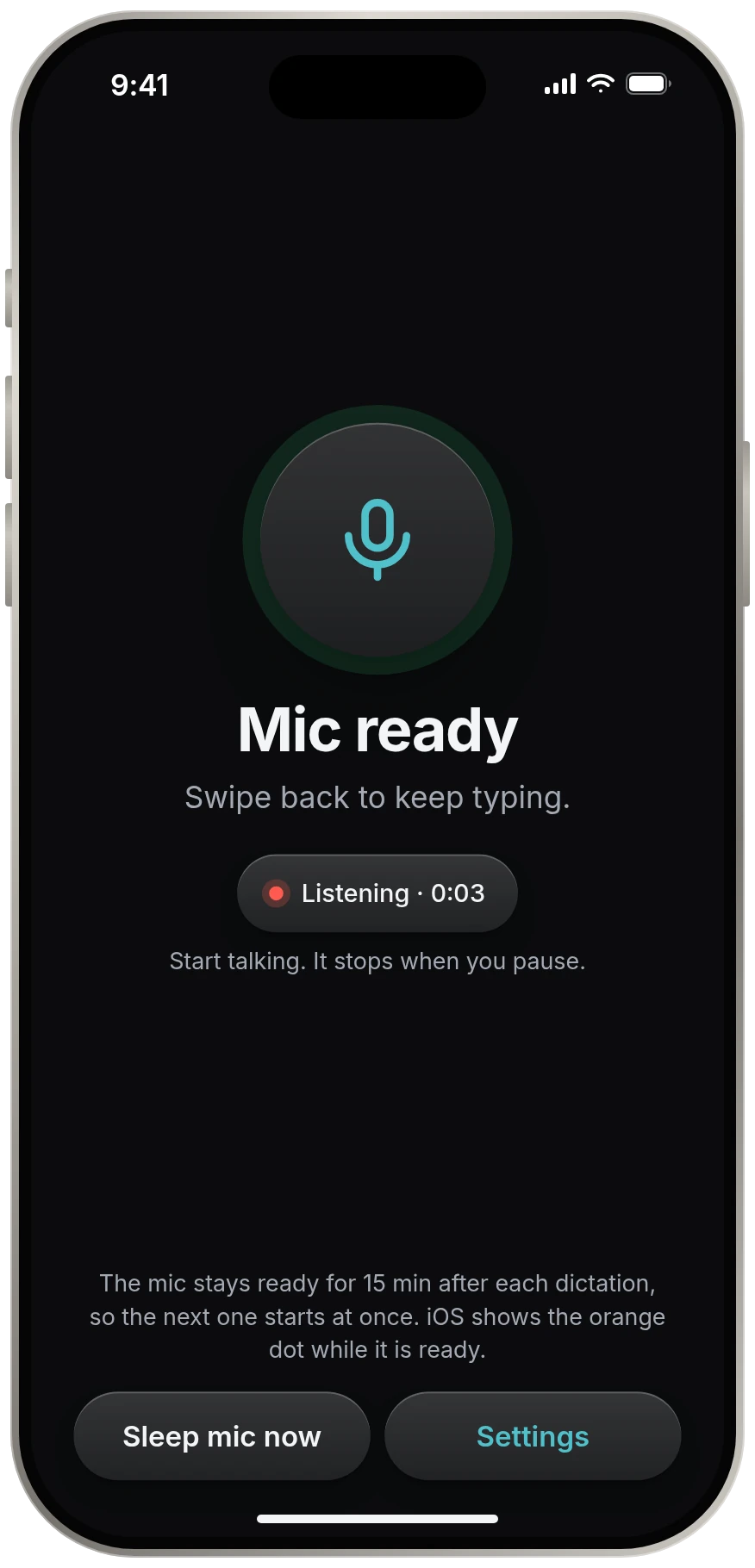
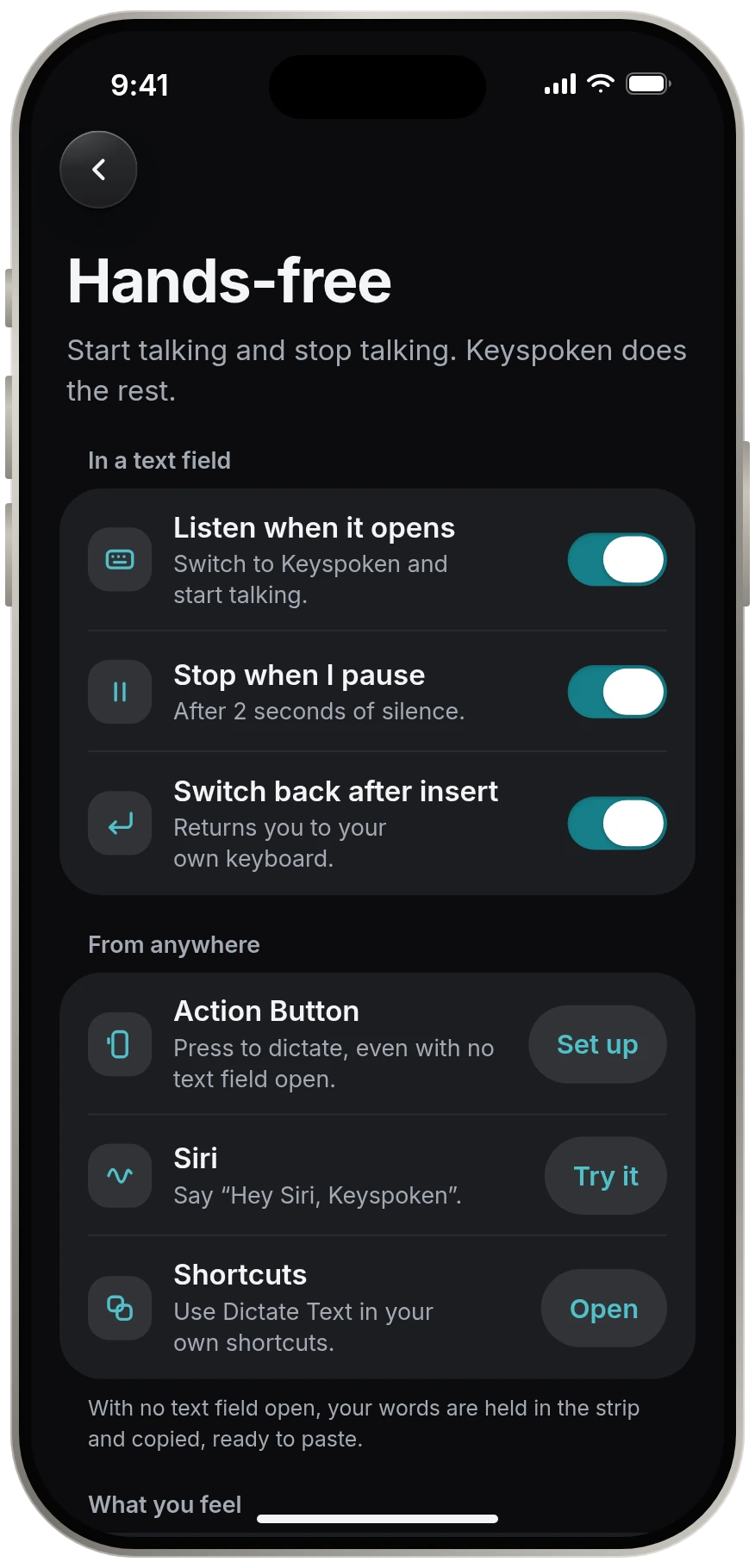
It listens the moment it opens, stops when you pause, and returns you to your keyboard. A whole dictation without one tap on the strip.
On-device dictation for iPhone
Keyspoken turns your voice into text in any app, without replacing your keyboard. Switch to it, talk, pause. That is the whole routine.
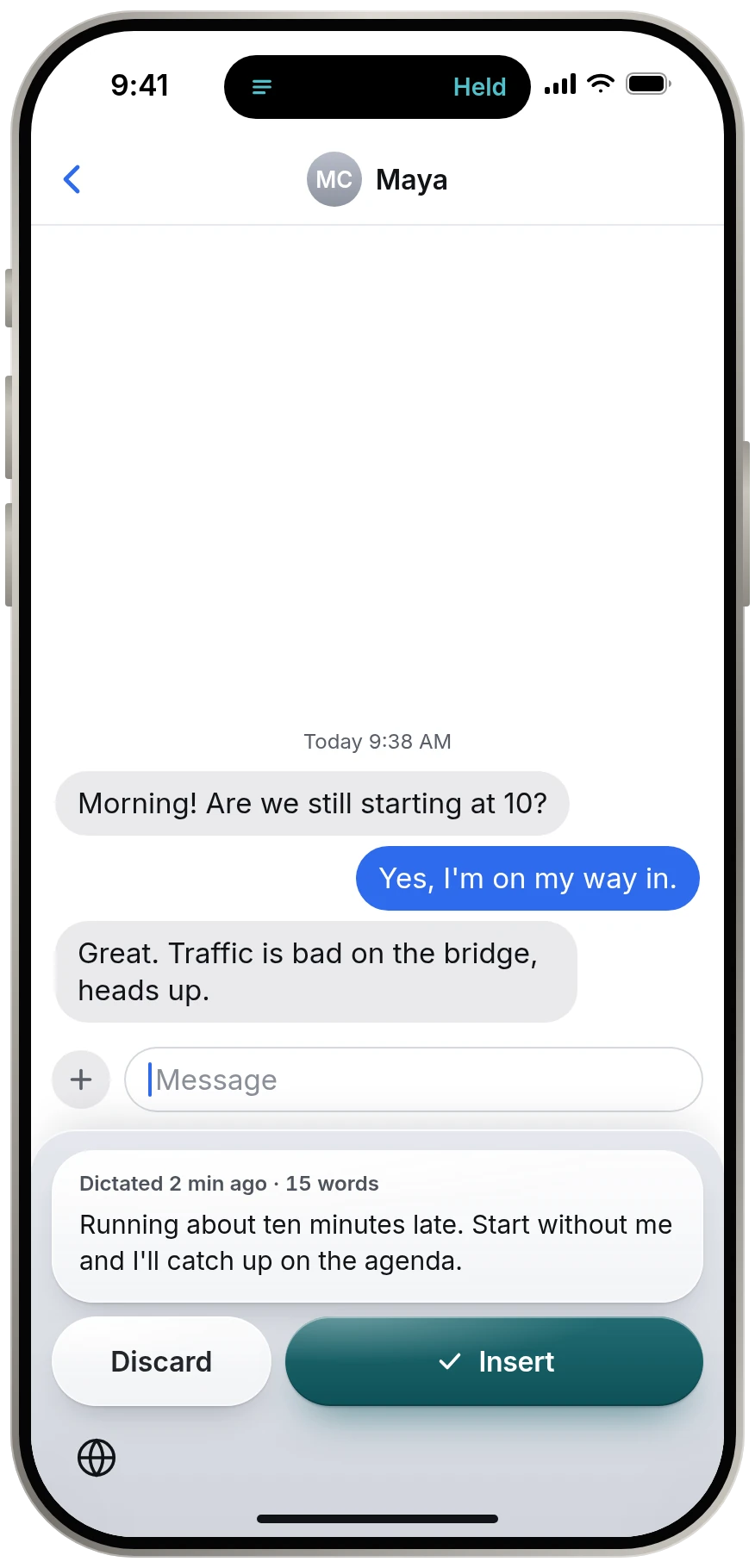
Morning! Are we still starting at 10?
Yes, I'm on my way in.
Great. Traffic is bad on the bridge, heads up.
The problem we fixed
Most dictation apps install a whole new keyboard just to give you one microphone button. A new layout, new autocorrect, new habits. Keyspoken skips all of it and does one thing well.
It listens the moment it opens, stops when you pause, and returns you to your keyboard. A whole dictation without one tap on the strip.
The speech model runs on your iPhone. No account, no analytics, no cloud. There is nowhere for your words to go.
No new layout. No new autocorrect. Keyspoken has no letter keys, so typing stays exactly the way your thumbs know it.
How it works
Keyspoken starts by itself, stops by itself and leaves by itself. Your part is the talking.
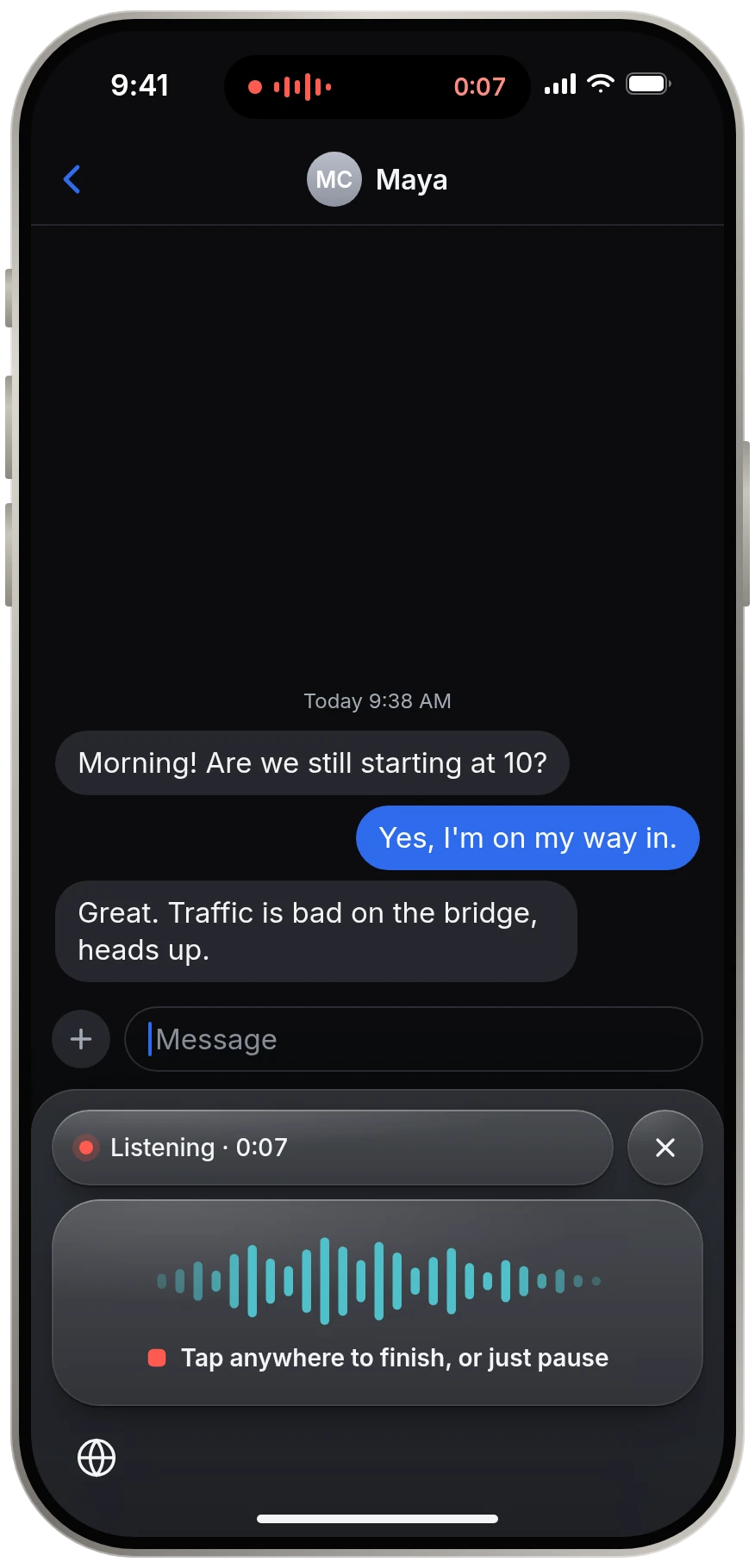
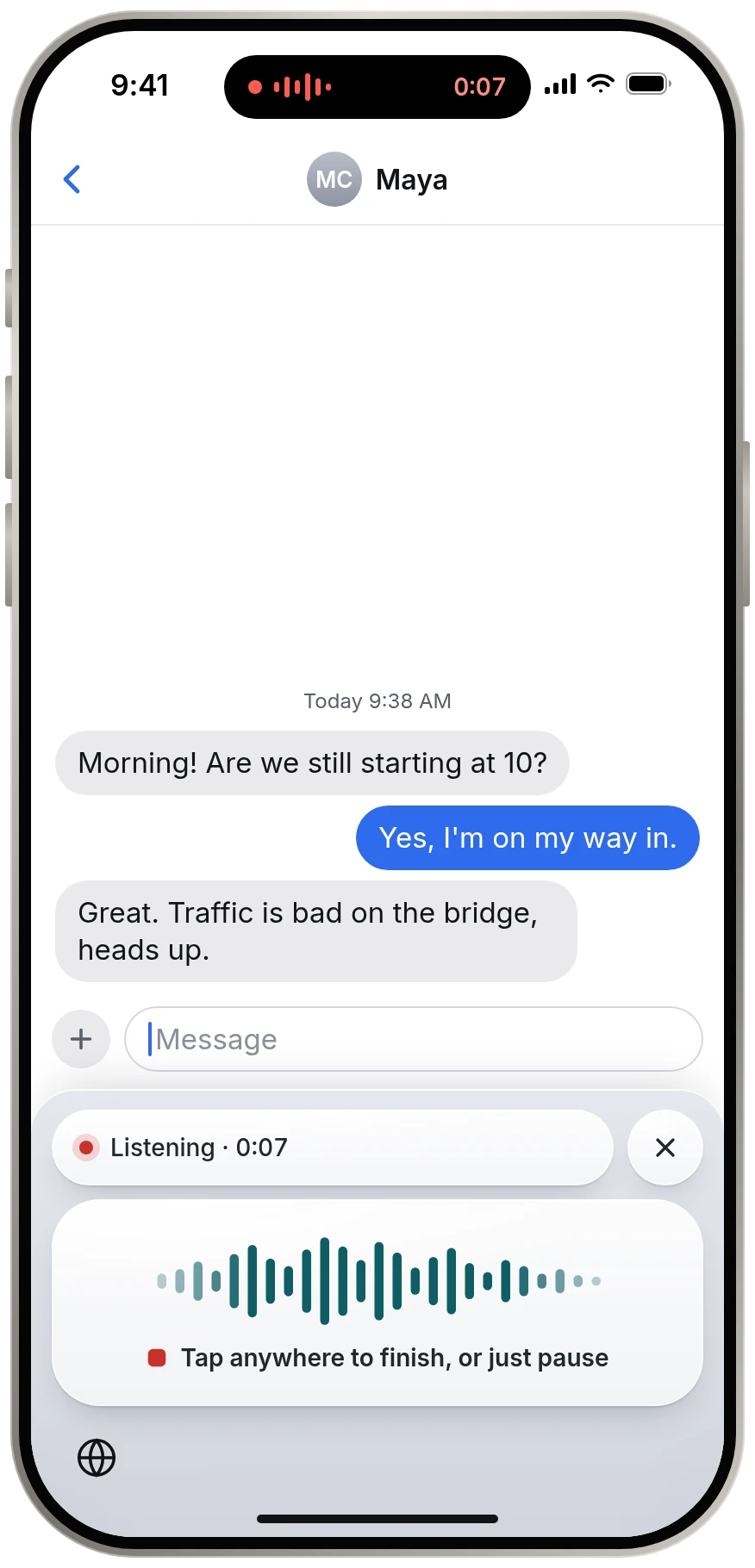
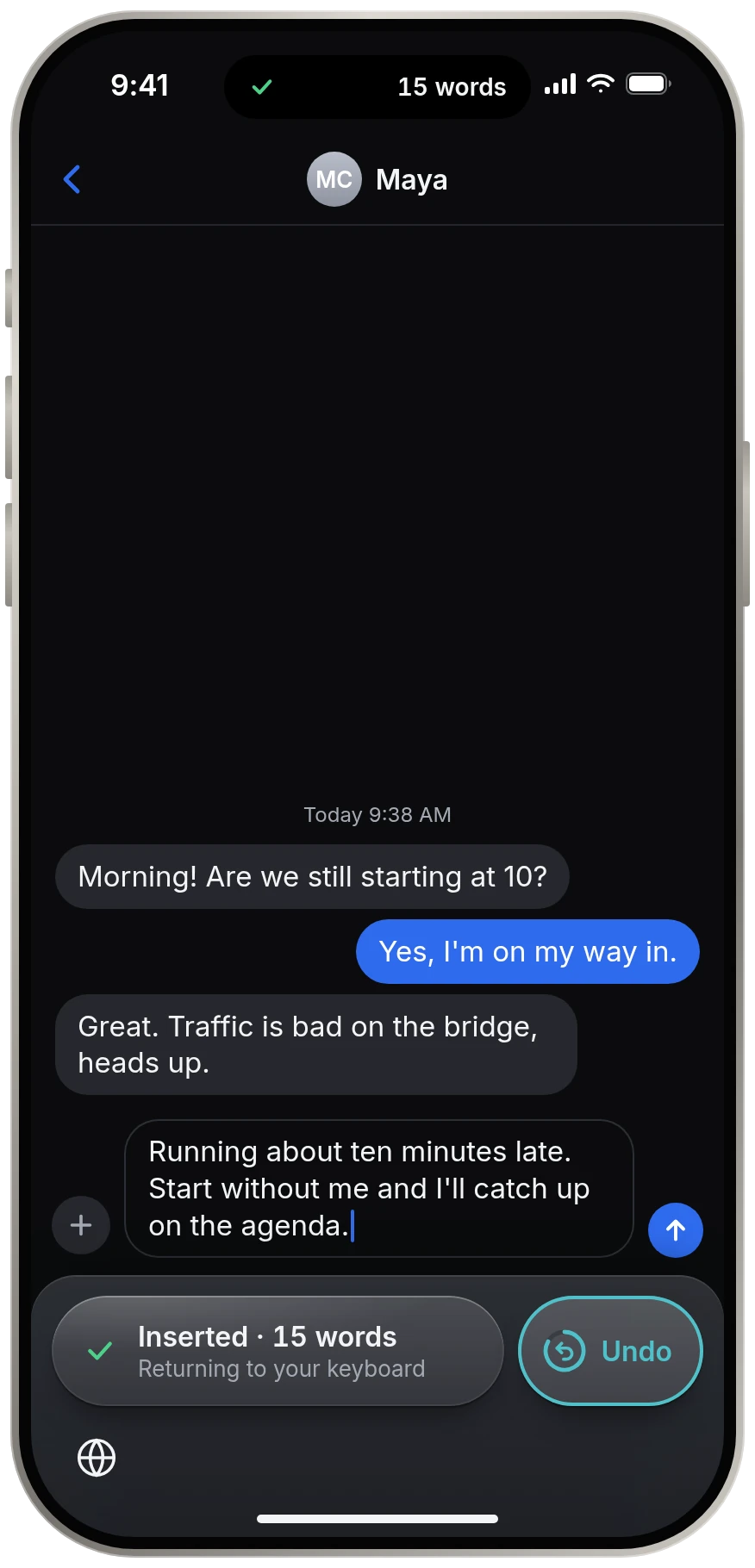
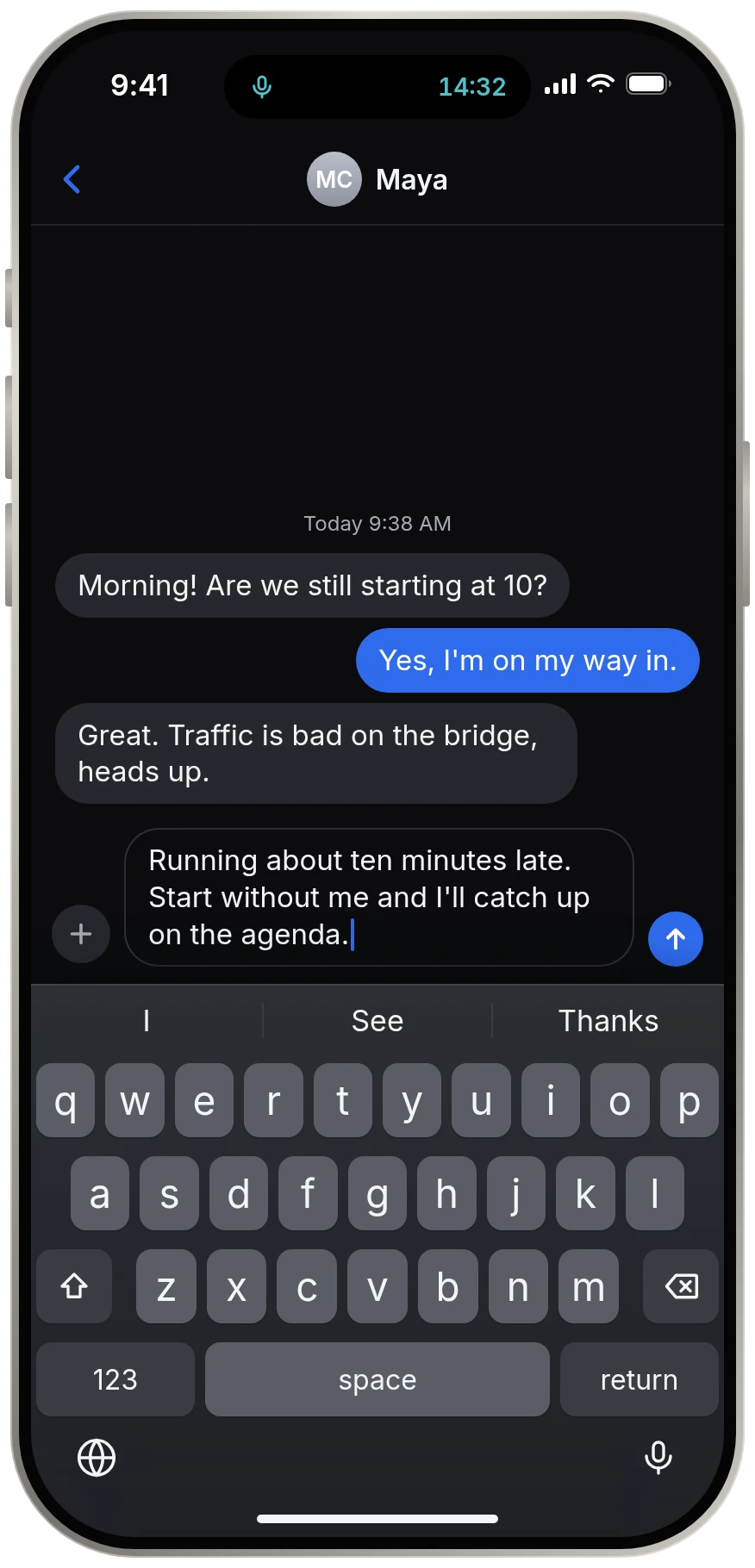
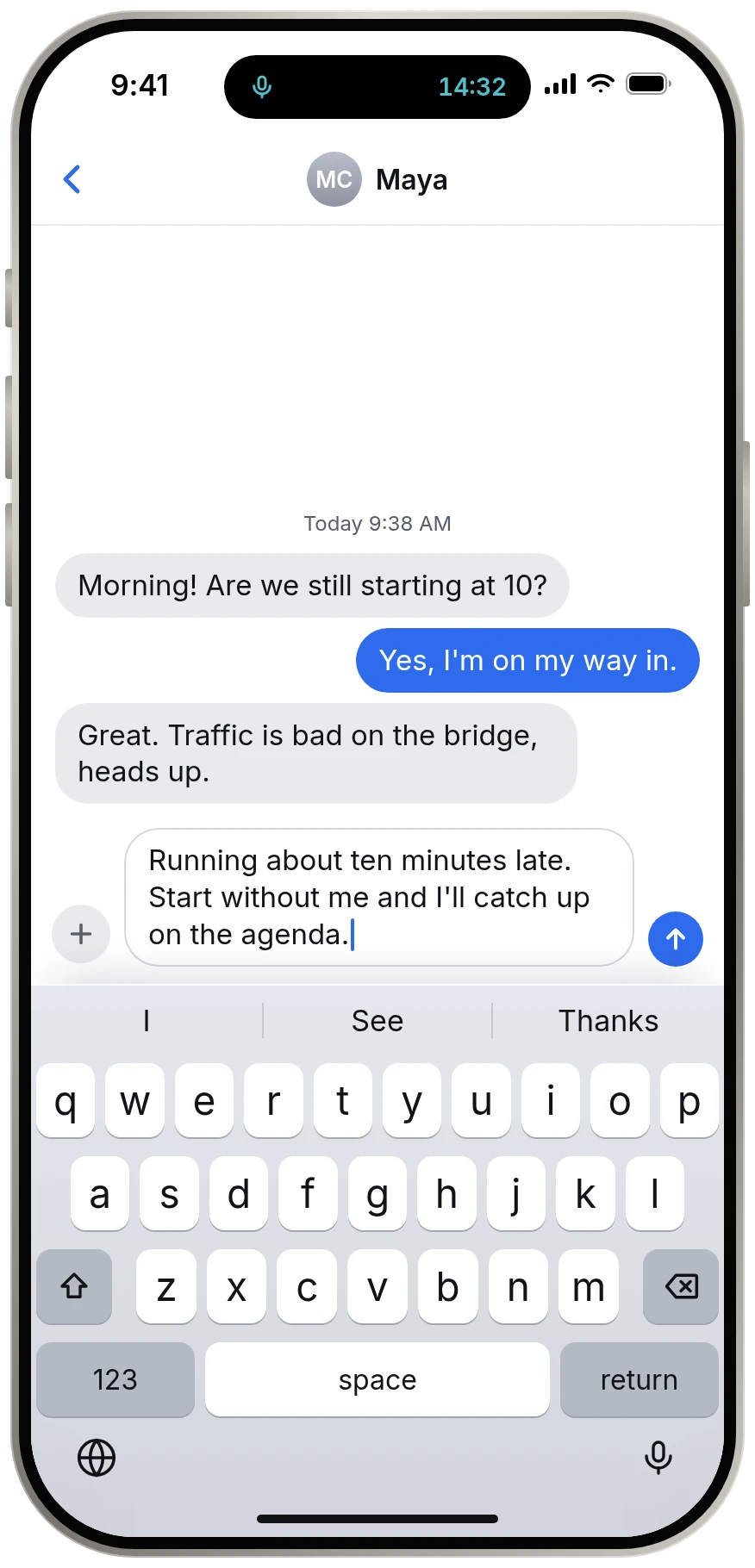
Touch and hold the globe key and choose Keyspoken. You don't press record. It is already listening.
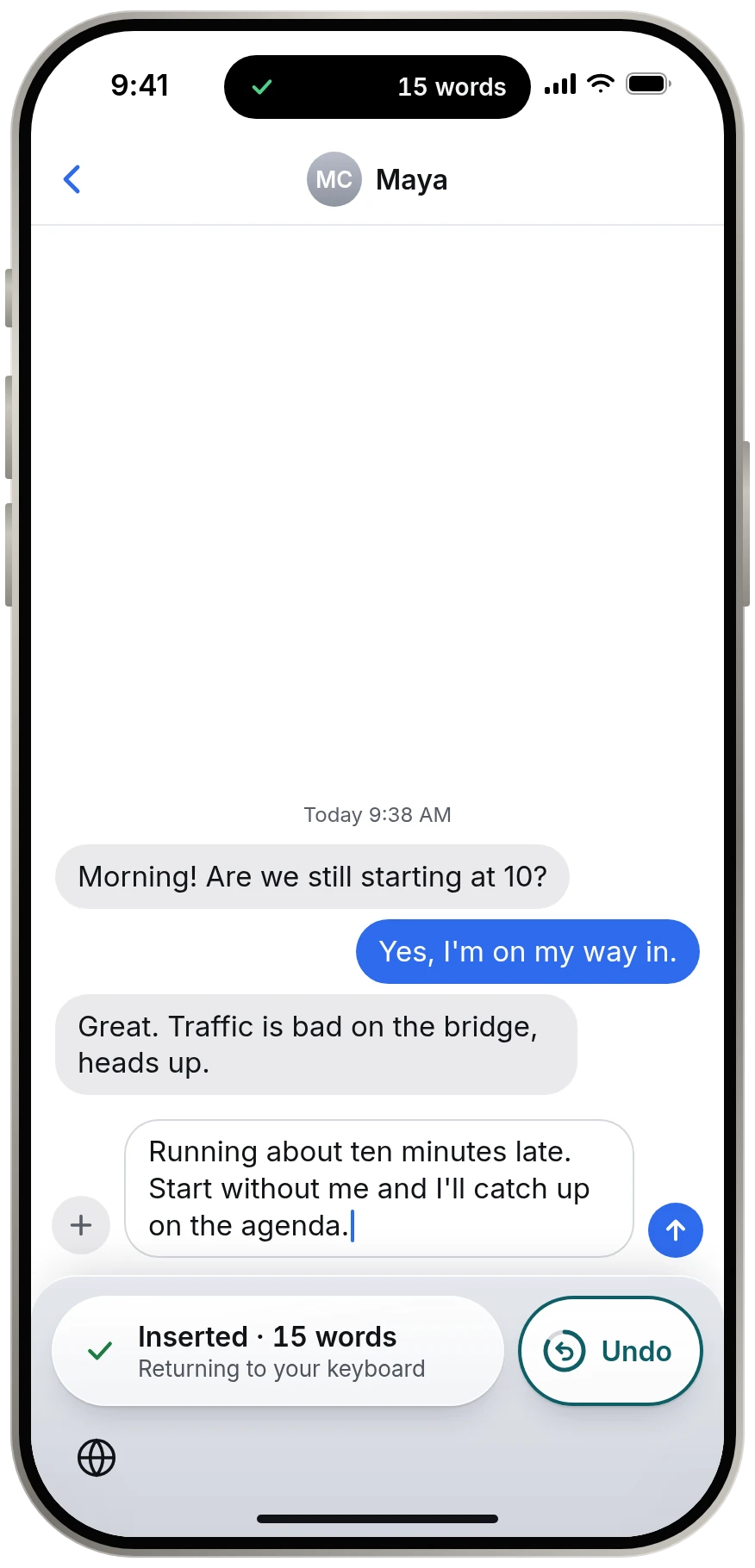
Say what you mean. When you pause, Keyspoken finishes for you, writes it at the cursor and offers Undo for two seconds.
You are back on your own keyboard with your words in place. Send it, or keep typing. Nothing else to dismiss.
From anywhere In testing
Press the Action Button with no text field in sight and just talk. Keyspoken holds your words and offers them the moment you next start typing.
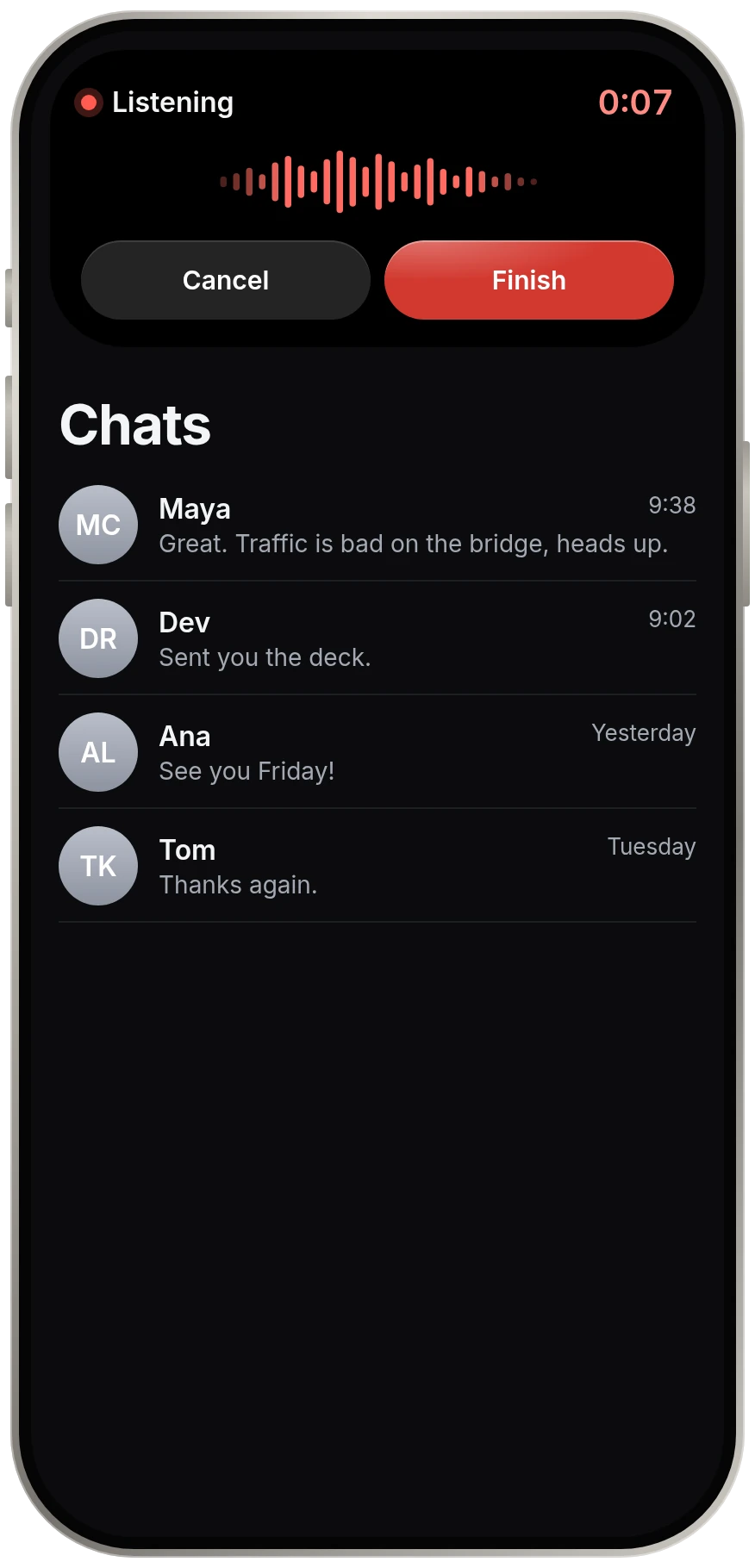
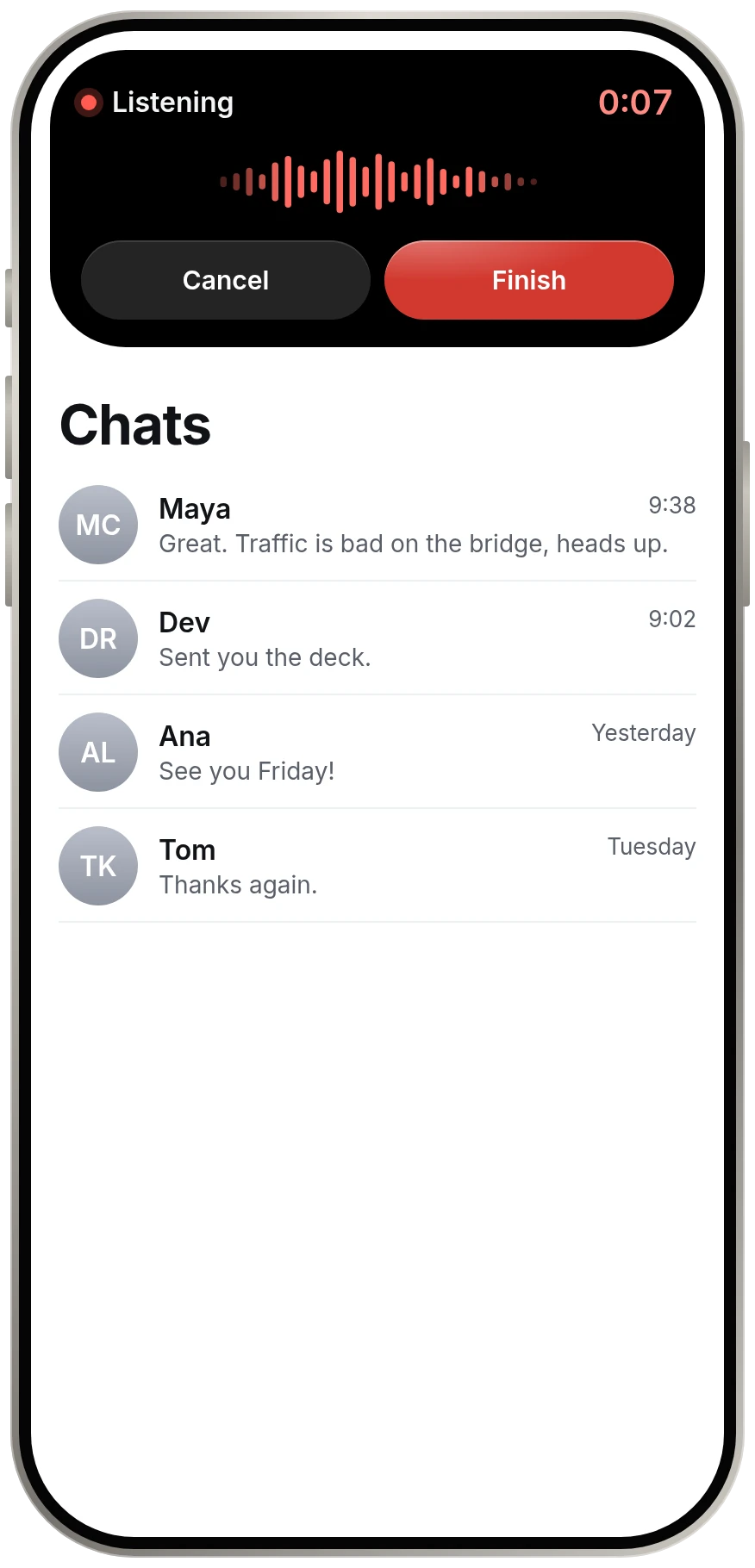
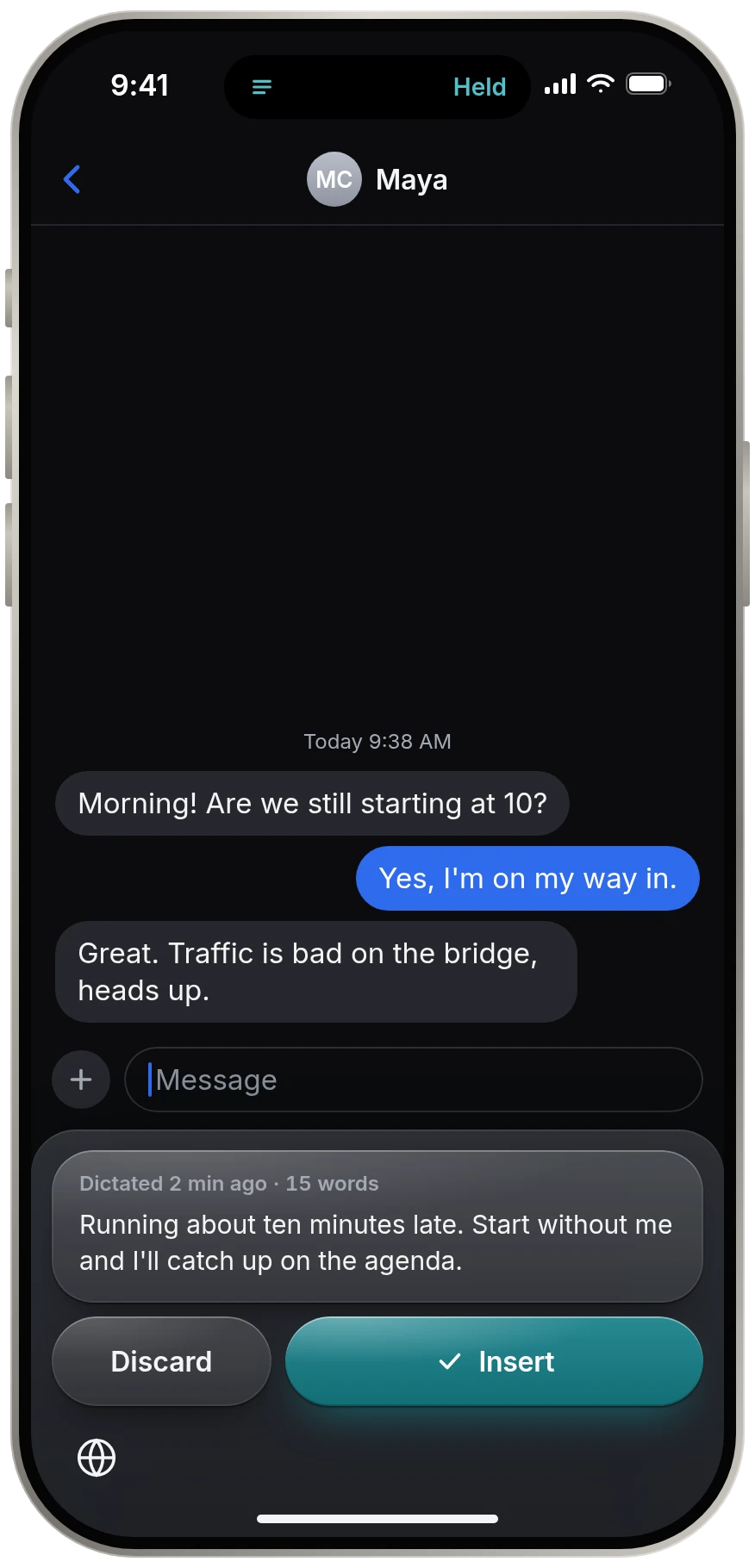
Dynamic Island
Ready, listening, working, done. One glance tells you, in words and never by color alone.
The whole app
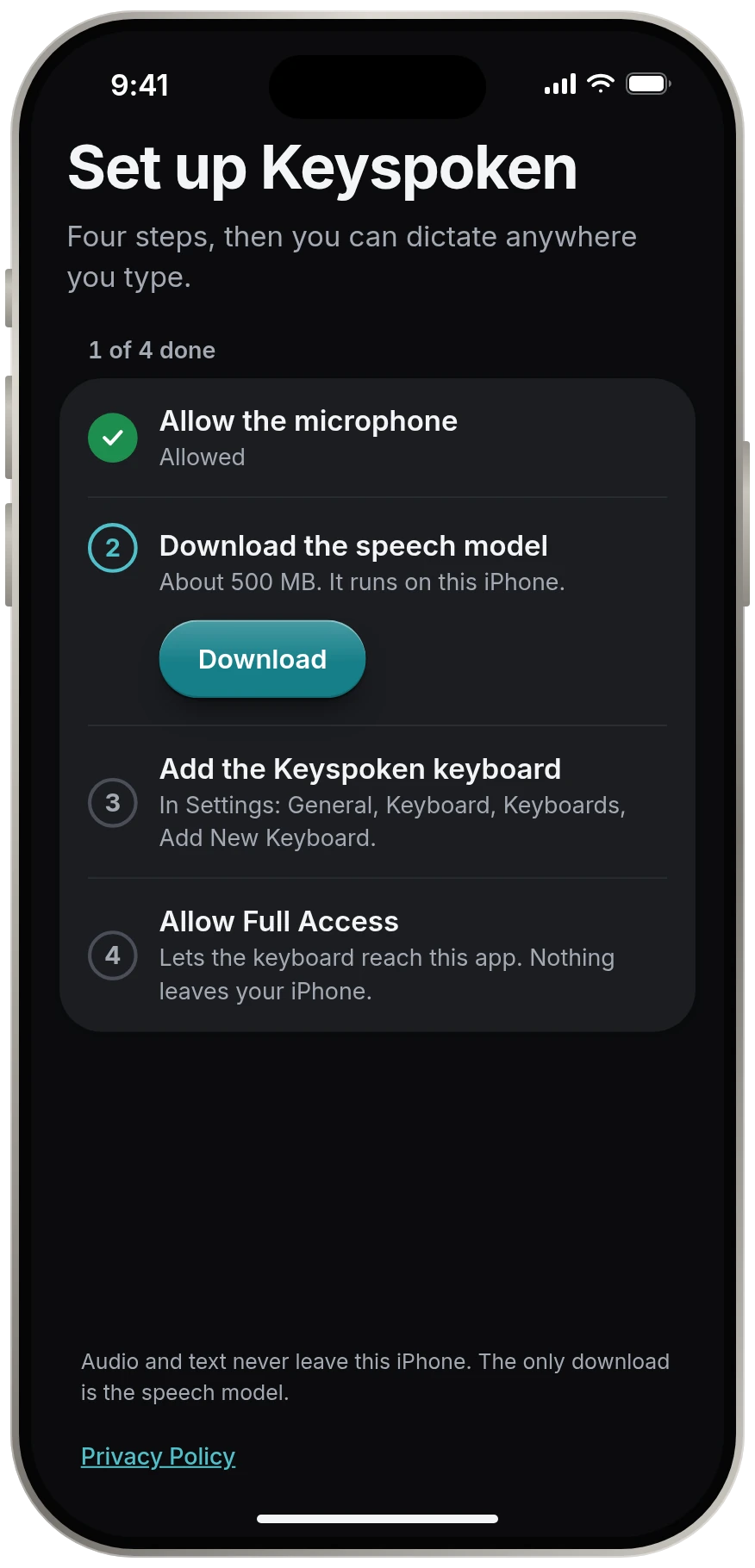
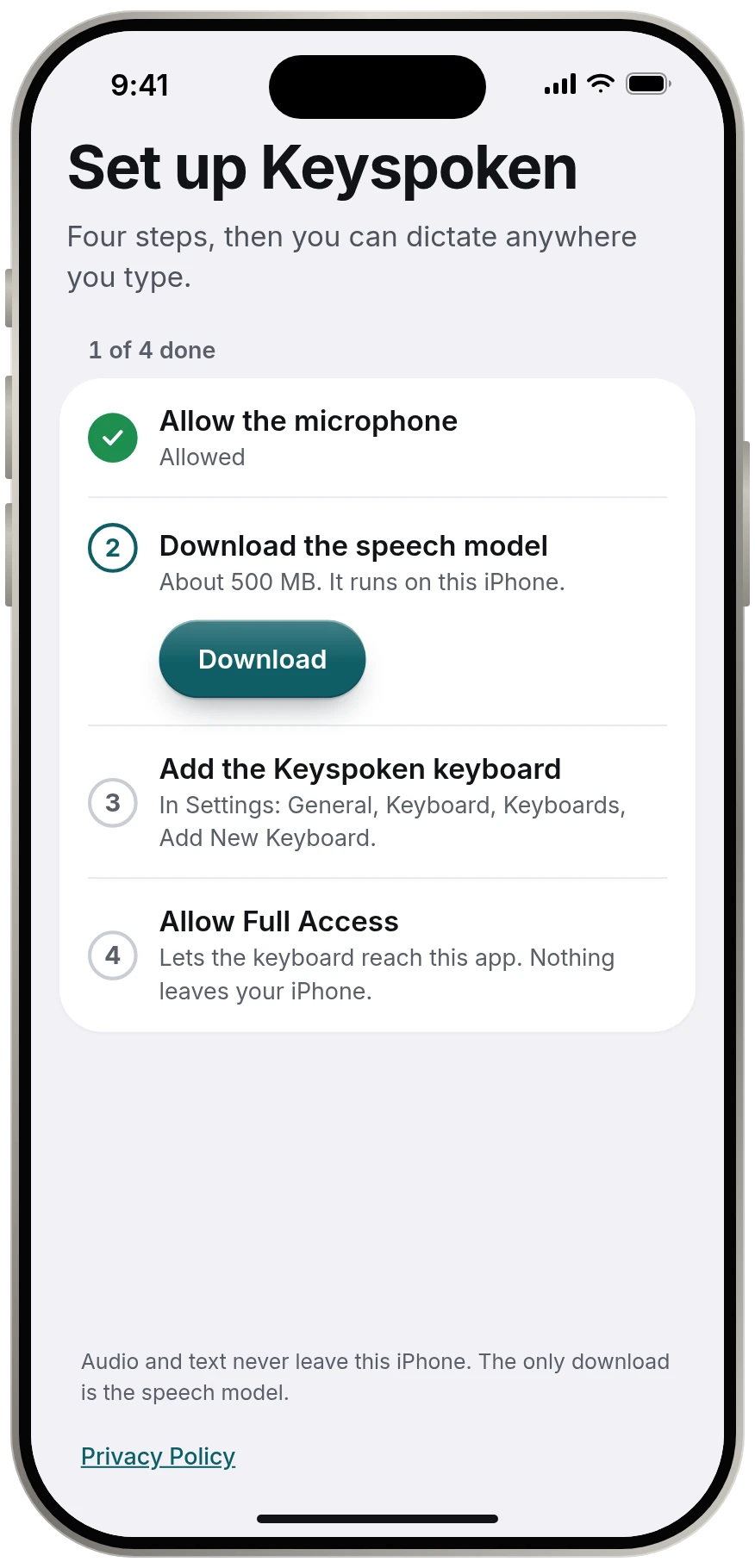
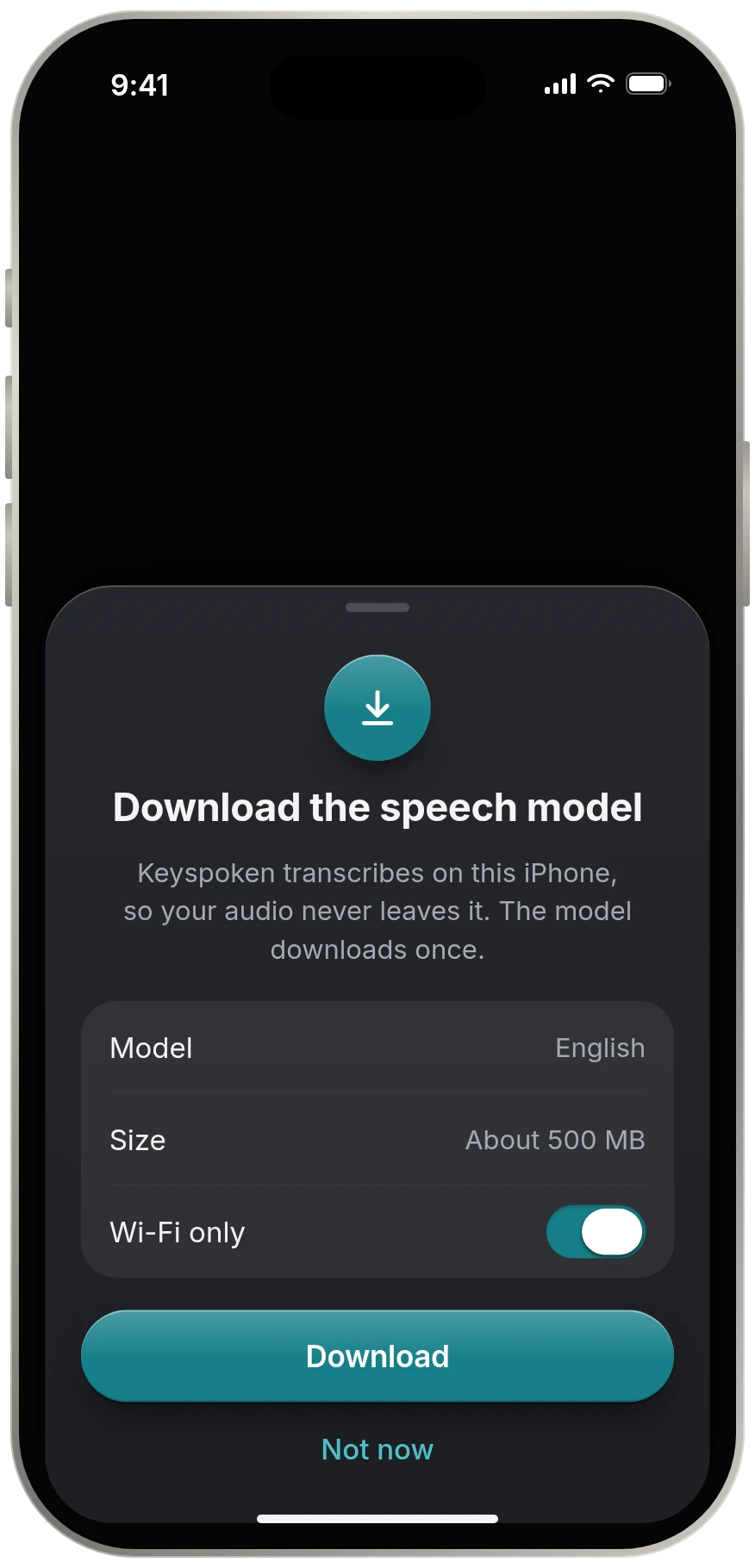
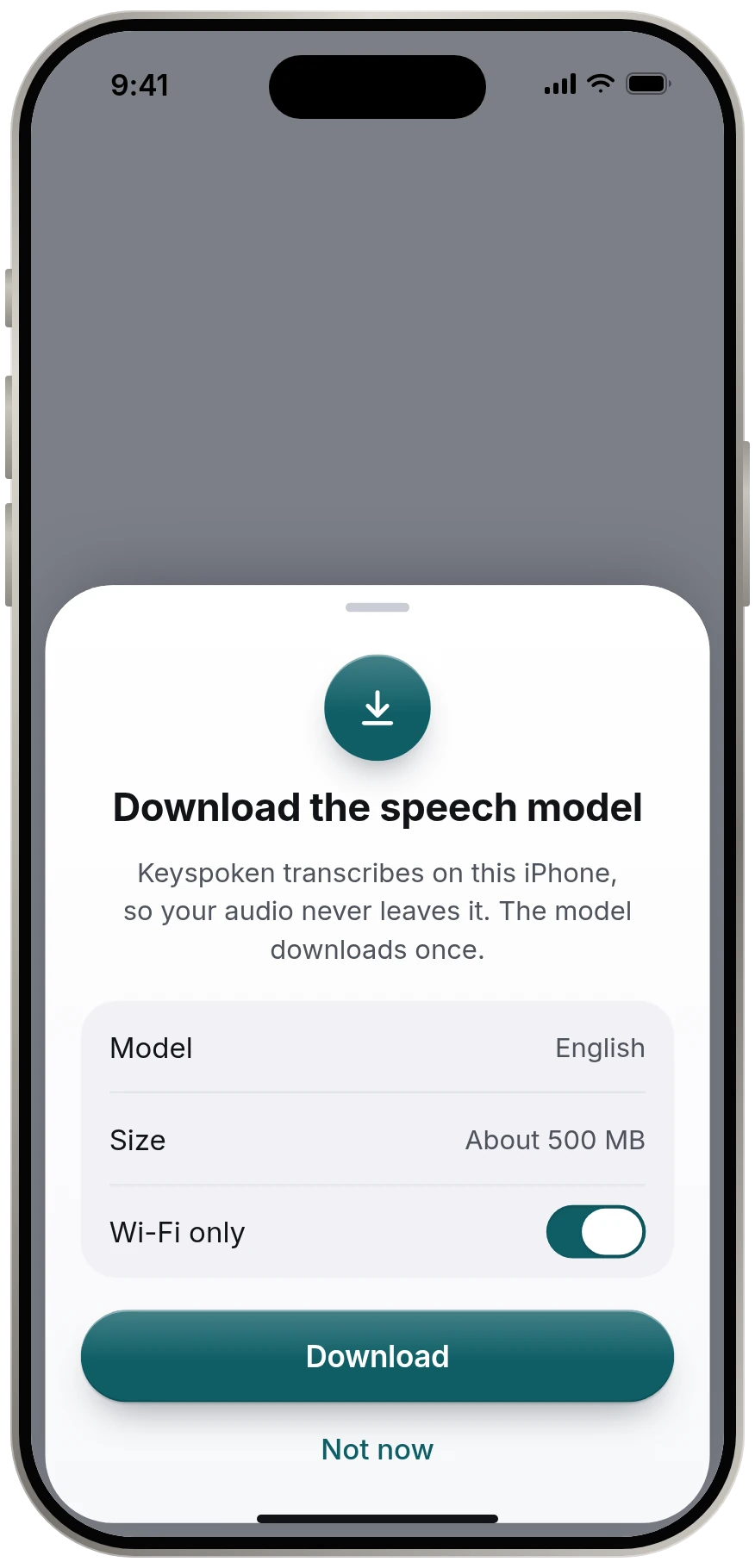
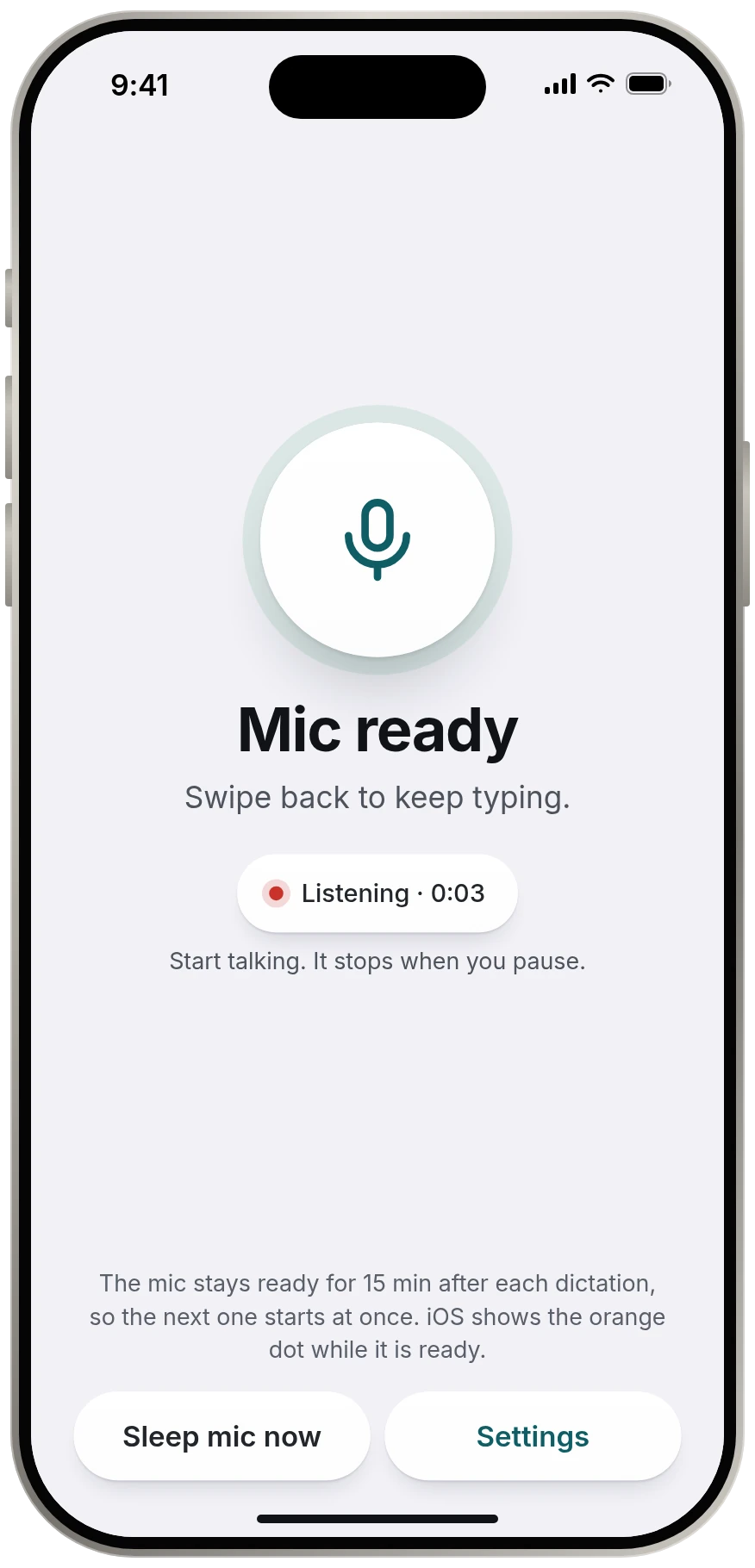
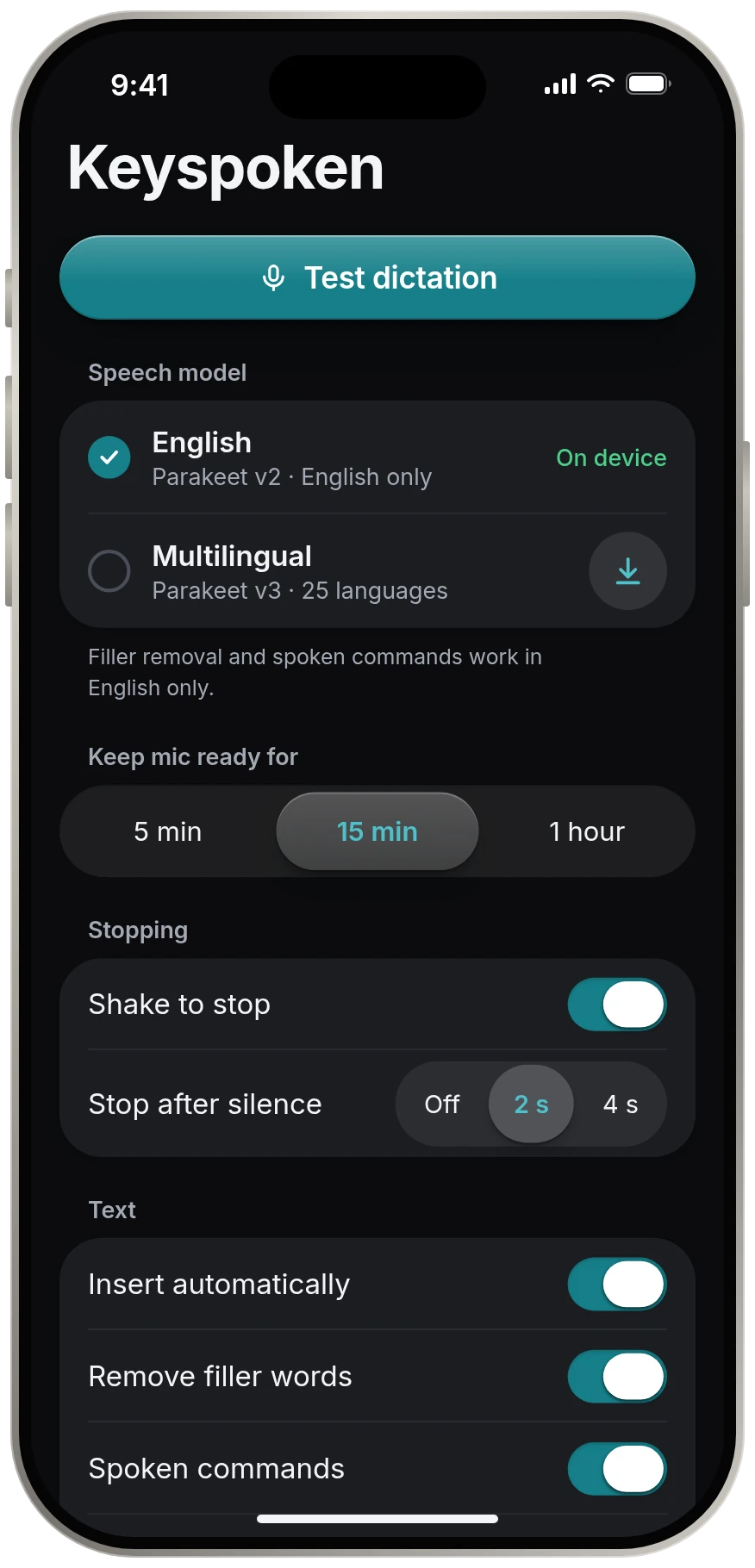
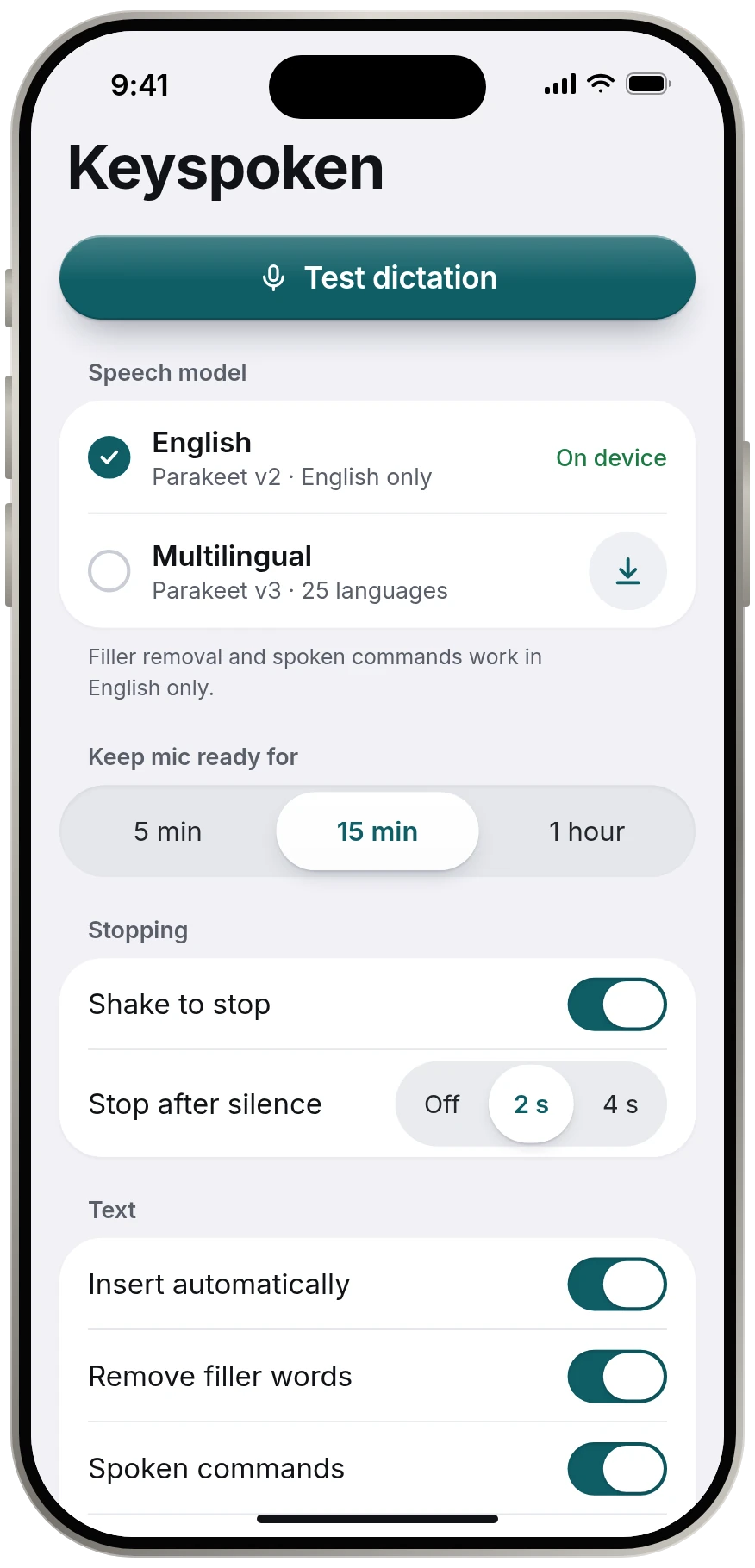
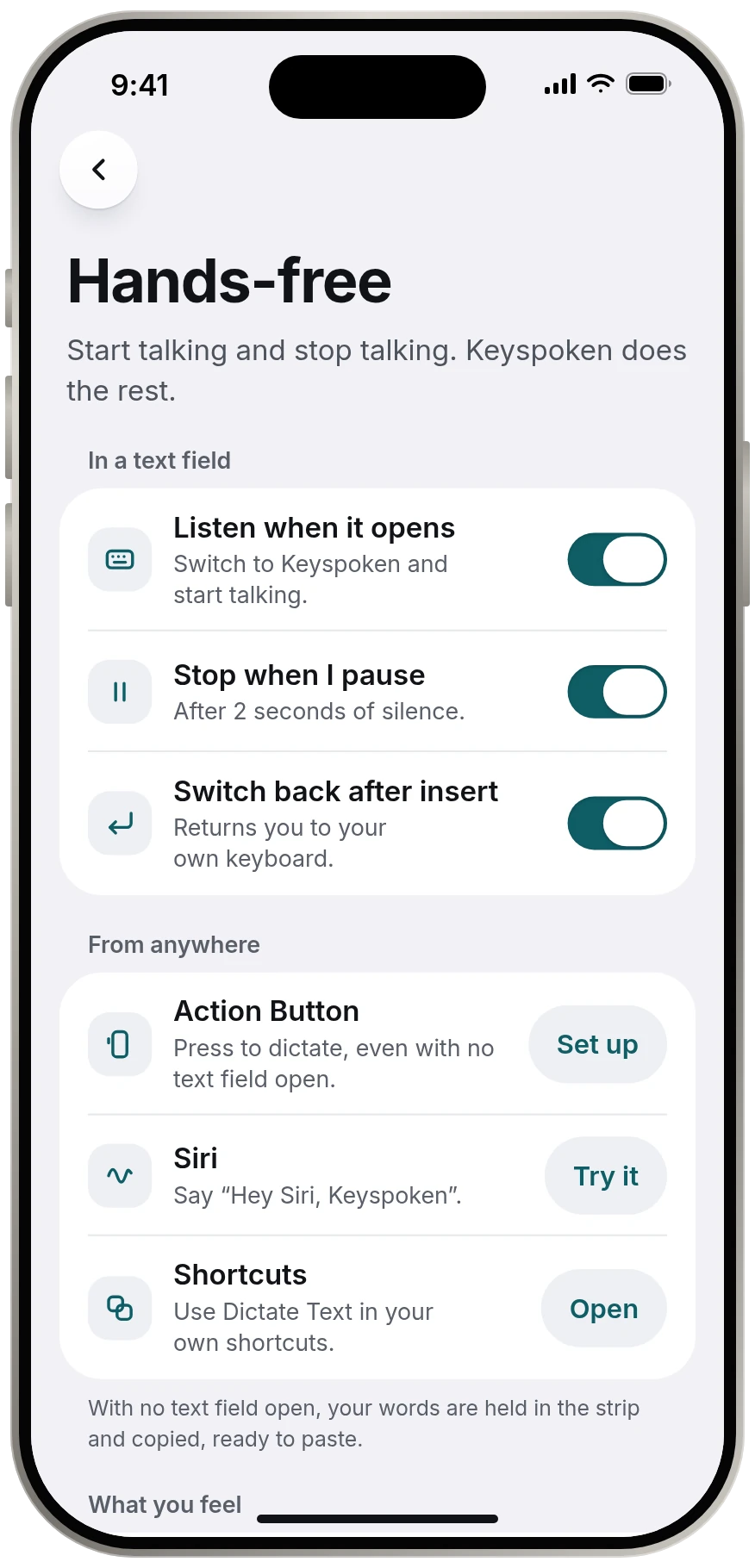
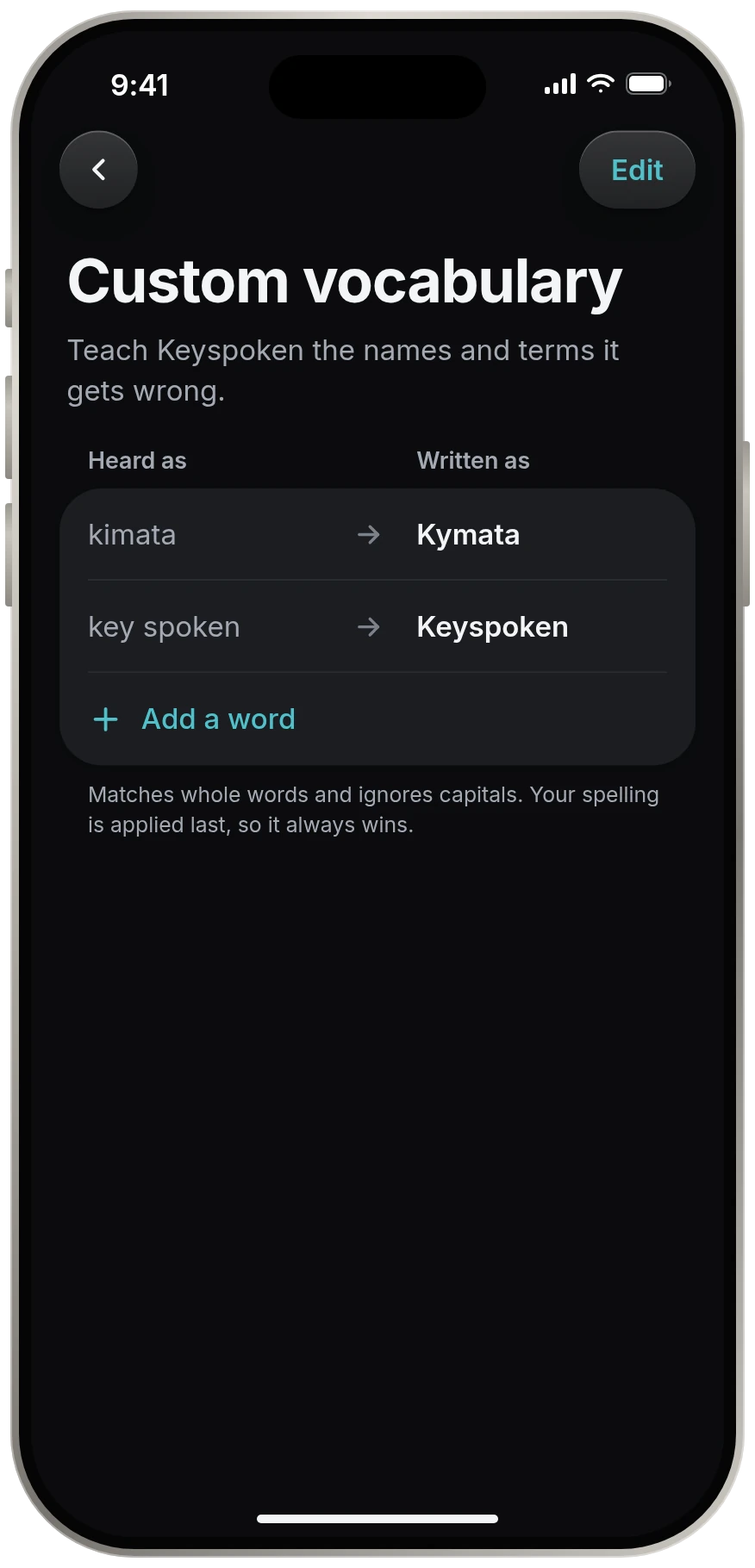
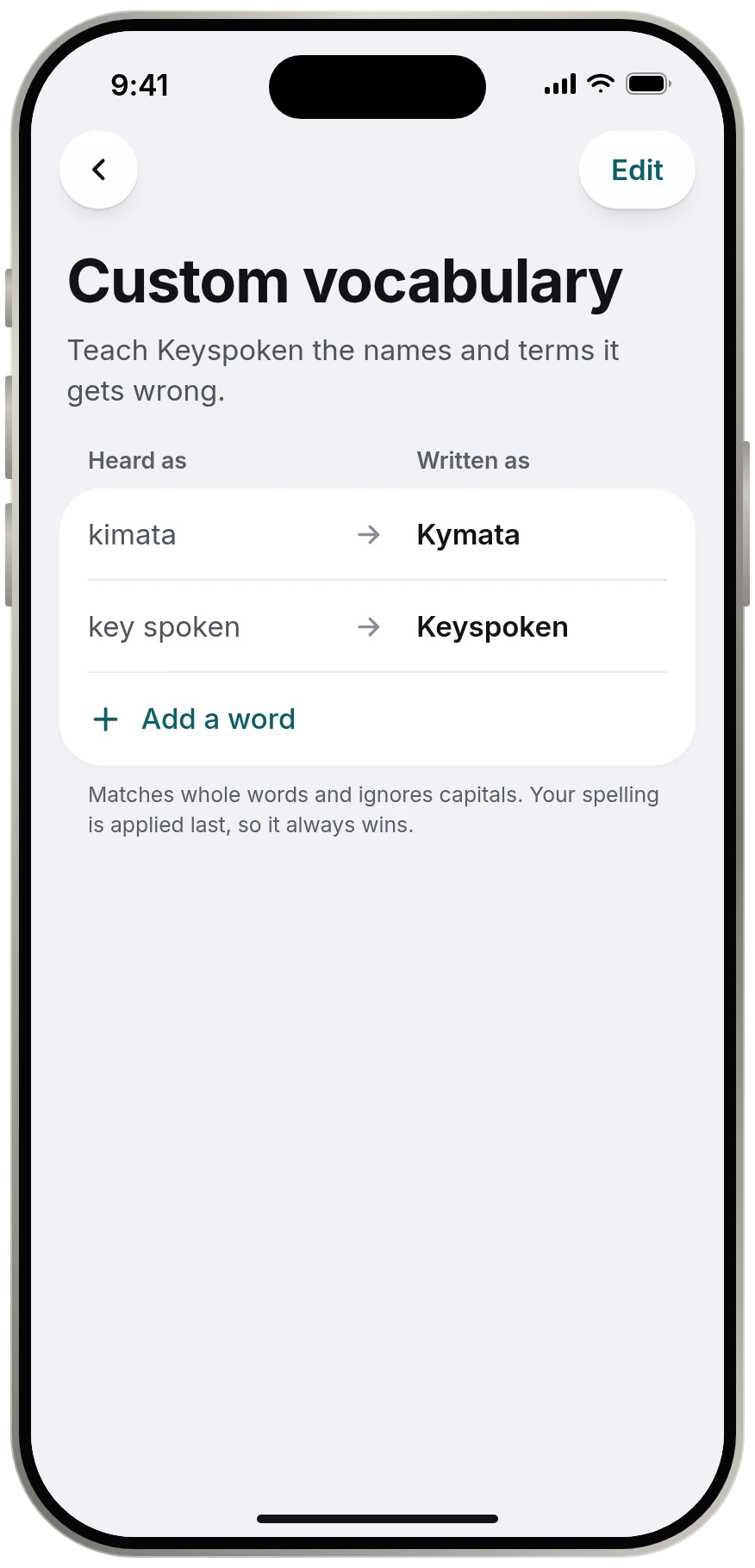
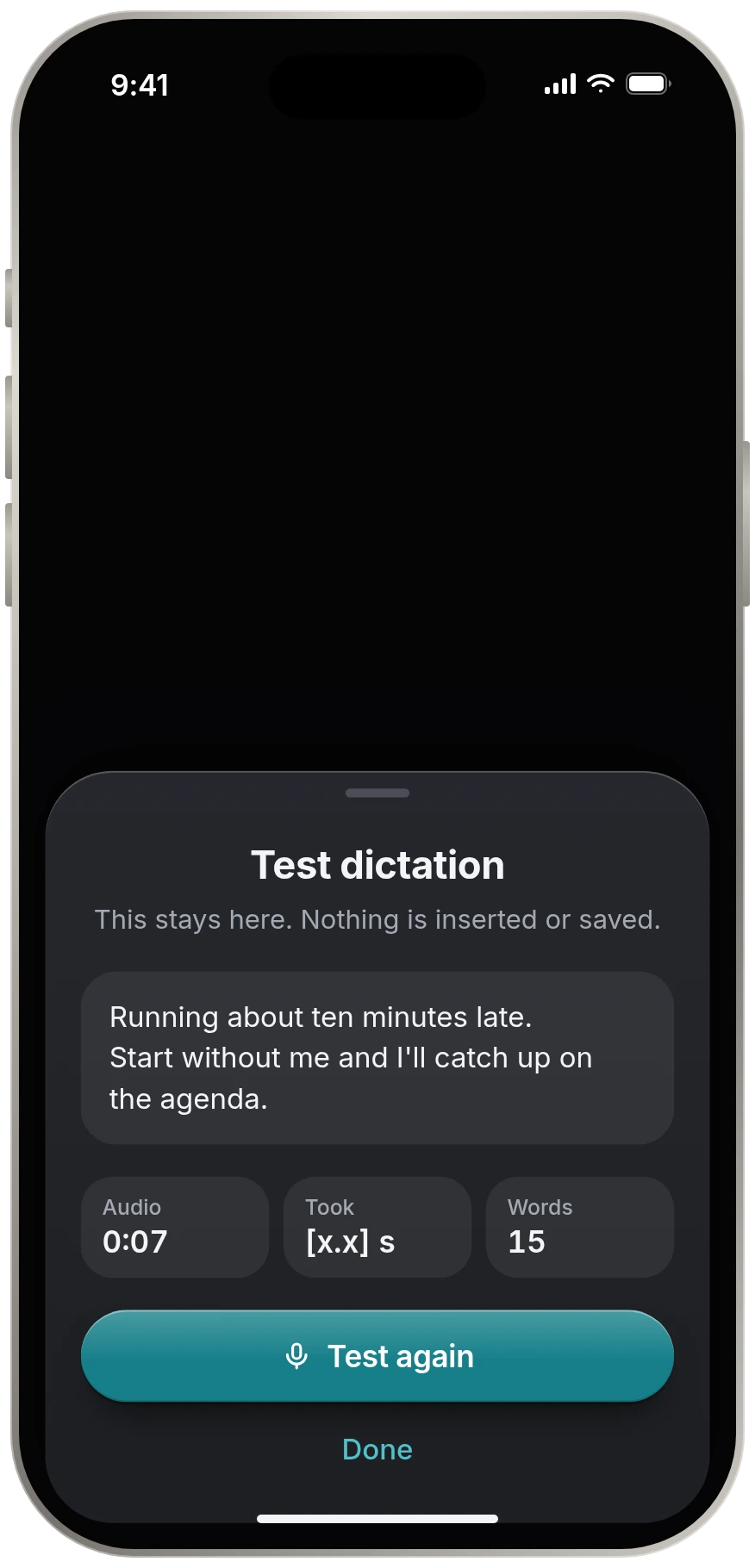
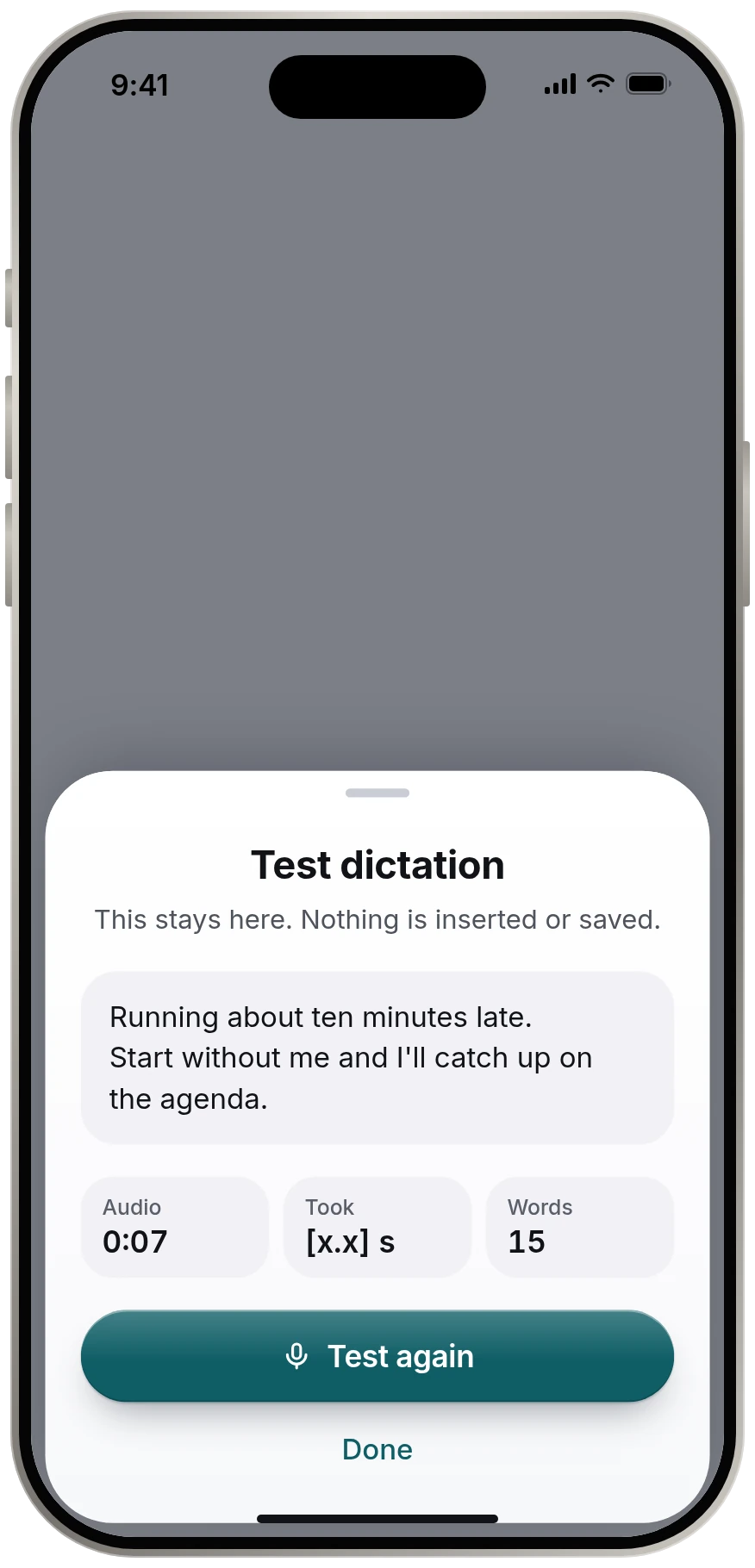
A short setup, one settings screen, and a place to teach it your words. That is the entire app. Scroll through all of it.
By the numbers
Three voice models, ranked
Keyspoken runs open Parakeet speech models on the device itself. Here is how they rank on published benchmarks, so you can choose the one that fits the way you talk.
Parakeet TDT 0.6B v2
Built for English only, and the default. It is the one the app is tuned around.
6.05% word error rate
146× real time
6.95% word error rate
English · About 440 MB
Parakeet TDT 0.6B v3
One model for 25 European languages. It gives up very little in English.
6.34% word error rate
156× real time
7.12% word error rate
25 European languages · About 470 MB
Parakeet Ultra
Multilingual, trained further by moondream. The same 25 languages with fewer errors, in a larger download.
5.80% word error rate
127× real time
5.82% word error rate
25 European languages · About 610 MB
Timed by us, on real iPhones
24× real time on an iPhone 11
13 seconds of speech in 0.56 s132× real time on an iPhone 13 Pro Max
13 seconds of speech in 0.10 sScores are out of 5, worked out from results published by NVIDIA, moondream and FluidAudio. Scores within 0.1 share a place.
Compare the three models in full →Why no keyboard
You already have a good keyboard. We built the part it is missing.
Keyspoken is a short strip, not a keyboard. It appears when you want to talk and leaves when you are done.
It keeps two keys, delete and return, so you can fix a slip or send a message without switching back first. Everything else stays on Apple's keyboard, exactly as your thumbs know it.
Light and dark
Keyspoken follows your system appearance and sits quietly where your keyboard was. One control at a time, nothing to learn.
No account. No analytics. No cloud transcription. The only download is the speech model, and after that it works in airplane mode.
Built for busy eyes In testing
Every moment has its own haptic, so you know what happened without looking at the screen.
Questions
Because you already have a good one. Dictation apps that replace your keyboard change the layout your thumbs know. Keyspoken only does the part Apple's keyboard can't: it turns what you say into text, then hands you straight back.
Touch and hold the globe key on your keyboard and choose Keyspoken. When you pause, your words are inserted and your own keyboard returns.
iOS shows it whenever an app has the microphone ready. Keyspoken keeps the mic ready for a few minutes after you dictate so the next one starts at once. You can put it to sleep at any time.
English uses Parakeet TDT 0.6B v2 and is the default. Multilingual uses Parakeet TDT 0.6B v3 and covers 25 European languages. Ultra is Parakeet v3 trained further by moondream for fewer errors in those same 25 languages. It is in testing and is not in the app yet. All three are open models that run on your iPhone.
No. Audio is transcribed on the device and then discarded. There is no account, no analytics and no cloud transcription. The only download is the speech model itself.
iOS requires Full Access for a keyboard to talk to its own app, which is where the microphone and the model live. Keyspoken makes no network requests from the keyboard. Delete and return work without it.
Coming to the App Store
Keyspoken is in final testing for iPhone. It will be free, with no subscription and no account. Questions in the meantime go to a person at contact@kymatalabs.com.
Easy to remember: keyspoken.app. When the app is out, it goes straight to the App Store.